
Bạn đang tìm cách cấu hình Kiro Steering để AI code chuẩn context? Trước khi đi sâu vào tính năng này, hãy cùng tìm hiểu các thông tin cơ bản về Kiro nhé.
Kiro là gì?
Kiro là một AI-powered IDE và CLI tool được thiết kế để tăng năng suất lập trình thông qua khả năng hỗ trợ code thông minh, tự động hóa workflow và tương tác nhận biết context. Đây là sản phẩm của AWS nên được cộng đồng AWS tin dùng.
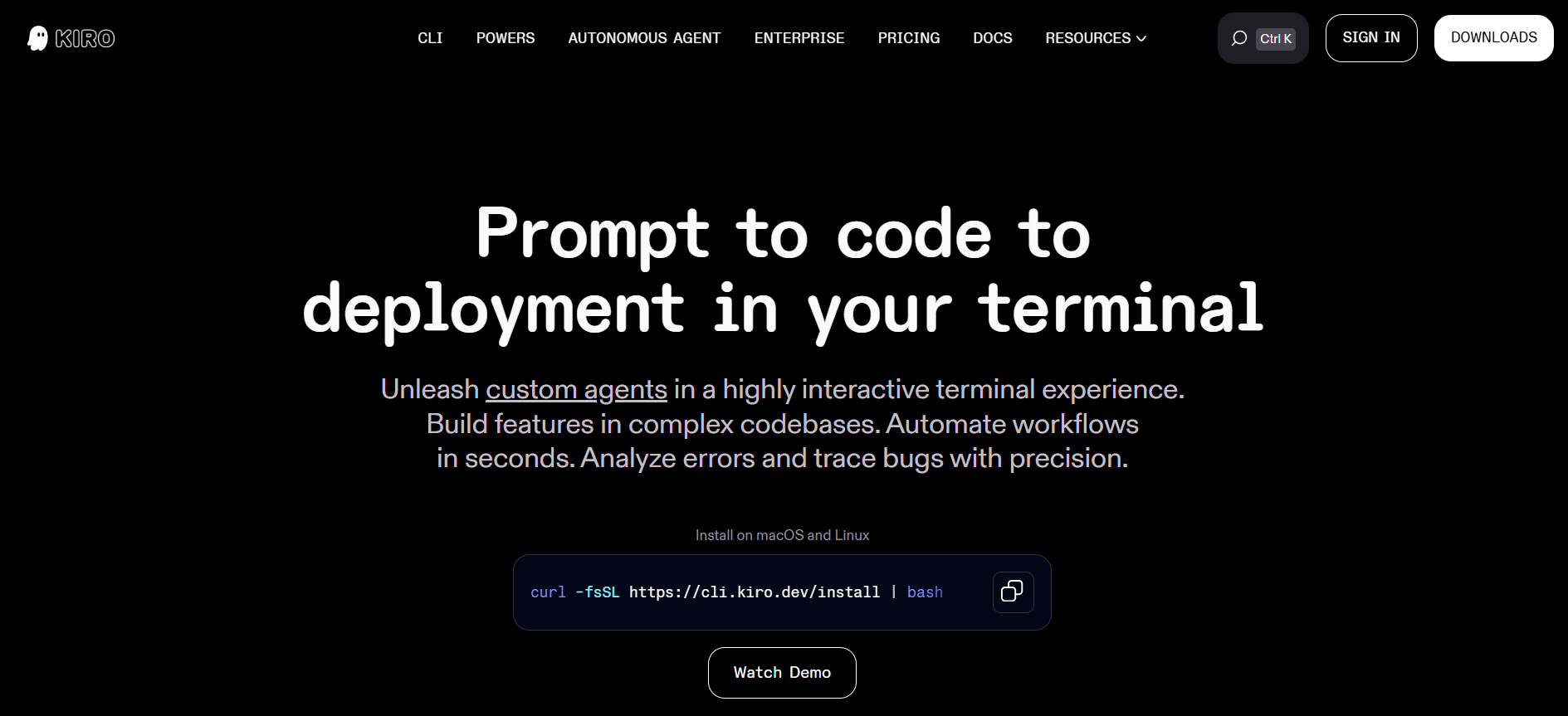
Xem qua tại Website chính thức
Kiro Steering là gì?
Giả sử có một AI assistant (chatbot, agent, …) nhưng mỗi lần chat mình cần hướng dẫn như:
- “Nhớ dùng React functional components nhé”
- “Code phải follow chuẩn của AWS Well-Architected Framework”
- “Commit message phải theo format Conventional Commits”
Steering giải quyết vấn đề này. Steering là tính năng cho phép bạn inject context, standards và instructions vào AI một cách tự động. Bạn chỉ cần cấu hình một lần, Kiro sẽ nhớ và áp dụng mãi mãi.
Cách Kiro Steering hoạt động
Steering files là các file markdown lưu trong thư mục .kiro/steering/. Có 3 loại:
- Always included (mặc định): Áp dụng cho mọi conversation
- Conditionally included: Chỉ kích hoạt khi truy cập file cụ thể
- Manually included: Chỉ active khi bạn reference bằng # trong chat
Khi chat với Kiro, nó tự động hiển thị các steering files đang được áp dụng. Bạn luôn biết AI đang follow guidelines nào.
Cài đặt Kiro Steering
Tạo thủ công
- Tạo thư mục steering
mkdir -p .kiro/steering
- Tạo file steering đầu tiên
touch .kiro/steering/my-standards.md
- Thêm guidelines vào file và Kiro sẽ tự động áp dụng!
Use Cases Thực Tế của Kiro Steering
1. Áp dụng AWS Well-Architected Framework
File: .kiro/steering/well-architected-context.md
Vấn đề: AI thường suggest giải pháp nhanh nhưng không follow security best practices hoặc reliability patterns.
Giải pháp: File steering này đảm bảo Kiro luôn ưu tiên security, reliability và performance trong mọi recommendation về AWS.
Ví dụ thực tế: Khi bạn hỏi Kiro thiết kế Lambda function xử lý sensitive data, nó sẽ tự động:
- Suggest mã hóa environment variables bằng KMS
- Recommend VPC configuration cho database access
- Đề xuất CloudWatch Logs encryption
- Include IAM role với least privilege permissions
- Suggest retry logic và error handling
# AWS Well-Architected Framework Context

## Core Priorities (in order of importance)

1. **Security** - Always the highest priority
2. **Reliability** - Critical second priority
3. **Performance** - Important third priority

## Security Guidelines

- Apply the principle of least privilege for all IAM roles and policies
- Implement defense in depth with multiple security controls
- Encrypt data at rest and in transit
- Use AWS security services (GuardDuty, Security Hub, WAF, etc.)
- Implement secure VPC designs with proper network segmentation

## Reliability Guidelines

- Design for failure and self-healing
- Implement high availability across multiple AZs
- Use managed services when possible
- Implement proper health checks, monitoring, and alerting
- Test recovery procedures regularly

## Performance Guidelines

- Choose appropriate instance types and sizes
- Implement caching strategies where appropriate
- Use CDNs for global distribution
- Optimize database performance
- Monitor and optimize application performance
Kết quả thực tế: Các team sử dụng file này báo cáo giảm đáng kể security-related comments trong code review và thời gian approve infrastructure changes nhanh hơn vì best practices đã được bake in từ đầu.
2. Terraform Best Practices
File: .kiro/steering/terraform_best_practices.md
Vấn đề: Terraform code dễ trở nên không nhất quán giữa các team members, dẫn đến state management issues, security vulnerabilities và deployment failures.
Giải pháp: File steering này đóng vai trò guardrail, đảm bảo mọi Terraform resource follow team standards.
Ví dụ thực tế: Khi bạn yêu cầu Kiro tạo S3 bucket resource, nó tự động:
- Add proper tags (Environment, Project, ManagedBy)
- Enable versioning cho data protection
- Configure encryption at rest
- Dùng variables thay vì hardcoded values
- Include lifecycle rules nếu cần
- Format code theo terraform fmt standards
# Terraform AWS Development and Deployment Best Practices

## General Rules
1. Always run `terraform fmt` before committing code
2. Always run `terraform validate` before applying changes
3. Use remote state with S3 backend and DynamoDB for state locking
4. Set default region to "us-east-1" for all AWS providers

## Security Rules
1. Never hardcode AWS credentials in Terraform files
2. Use IAM roles with least privilege principle
3. Enable versioning on S3 buckets
4. Encrypt sensitive data at rest and in transit

## Resource Management
1. Always tag resources with "Environment", "Project", and "ManagedBy: Terraform"
2. Use modules for reusable infrastructure components
3. Pin module versions to specific releases
4. Use variables for all configurable values
Kết quả thực tế: Teams báo cáo giảm 60% Terraform-related bugs và state conflicts. Thành viên mới có thể contribute infrastructure code một cách tự tin trong vài ngày thay vì vài tuần vì Kiro guide họ through best practices tự động.
3. Minimal Engineering Approach
File: .kiro/steering/minimal-engineering-approach.md
Vấn đề: AI assistants đôi khi suggest các giải pháp và helper không cần thiết cho vấn đề
Giải pháp: File steering này giữ Kiro focus vào simplicity tránh over-engineering.
# Minimal Engineering Approach

## Core Principles

- **Keep it simple**: Write only the minimal code needed
- **One file solutions**: Prefer single-file implementations
- **Fix, don't bypass**: Fix existing solutions first
- **No workarounds**: Don't build workarounds unless explicitly requested
- **Essential files only**: Create only necessary files

## File Creation Guidelines

- **Maximum 3-5 files** for most projects
- **One README.md** with essential information only
- **No separate documentation files** unless requested
- **No helper scripts** unless absolutely necessary

## Problem-Solving Approach

1. **First**: Try to fix the existing solution
2. **Second**: Modify the current approach minimally
3. **Last resort**: Create alternative solution (only if user requests it)

## Code Guidelines

- Write concise, focused code
- Avoid over-abstraction
- Keep functions small and direct
- Minimize dependencies
Kết quả thực tế: Startups và small teams yêu thích file này vì nó giữ codebase maintainable khi phát triển.
4. Git Commit Standards
File: .kiro/steering/git-commit-standards.md- Write concise, focused code – Avoid over-abstraction – Keep functions small and direct – Minimize dependencies
Vấn đề: Commit messages không nhất quán khiến việc hiểu project history, generate changelogs hoặc dùng tools như semantic-release trở nên khó khăn.
Giải pháp: File steering này biến Kiro thành commit message expert.
When I ask you to commit my code or changes:
1. Determine which files are new, modified, or deleted using `git status`
2. Stage all relevant files
3. Generate a commit message following these best practices:
- Use the imperative mood ("Add feature" not "Added feature")
- Start with a concise summary line (50 chars or less)
- Structure: `<type>(<scope>): <description>`
- Types: feat, fix, docs, style, refactor, test, chore
- Scope: optional component name

Example:
```
feat(auth): implement OAuth2 authentication flow

- Add OAuth2 client configuration
- Create login and callback endpoints
- Store tokens securely in user session

Closes #123
```

Do not ask for confirmation before committing. Always show the generated commit message before executing.
Kết quả thực tế: Teams có thể tự động Generate Changelogs, Track Features Across Releases và hiểu Project History ngay lập tức. Một team báo cáo tiết kiệm 2 giờ mỗi Release Cycle chỉ riêng việc Generate Changelog.
Kết Luận
Khi việc phát triển dựa vào AI ngày càng phát triển, chúng ta cần có những hướng dẫn cụ thể để kết quả nhận được từ AI đảm bảo chất lượng cao. Hy vọng tính năng Steering của Kiro giúp ích cho độc giả và cảm ơn đã đọc đến cuối bài viết!
Hãy tham khảo thêm các bài viết về Giải pháp & Kiến thức công nghệ chuyên sâu tại Sunny Cloud Vietnam
Để lại một bình luận